SaaS Tools in 2026: What's Changing?
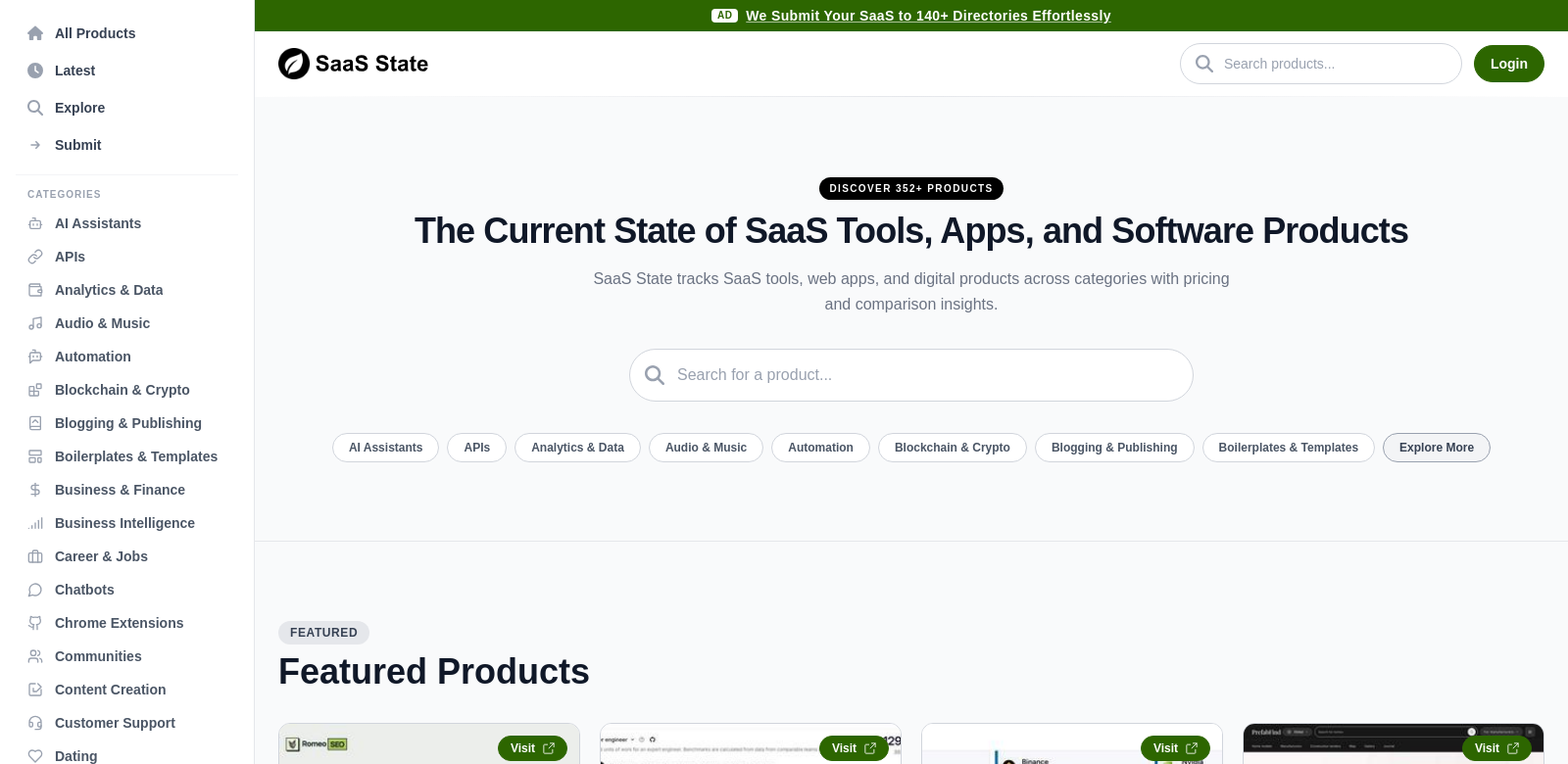
In 2026, the Software as a Service (SaaS) market keeps growing, giving businesses tools that make them more productive, efficient, and help them grow. Both big companies and new startups fill this busy market with many different applications and software products made for all sorts of customers. Whether you need project management or customer relationship management tools, powerful SaaS tools have changed how organizations operate. SaaS State helps make sense of this by tracking software pricing and comparisons across categories.
Who Uses SaaS State?
SaaS State serves many types of customers, each with different needs and what they expect from SaaS tools. Knowing these customers helps SaaS providers build products that actually fit what the market needs. Here's who uses SaaS State and why they find it so useful:
-
Startups: New businesses usually don't have a lot of money or staff, so they need efficient tools to get a lot done without breaking the bank. SaaS State gives startups crucial pricing info, helping them find solid software that fits their budget.
-
SMEs (Small and Medium Enterprises): SMEs often struggle to afford the big, enterprise-level tools. Through SaaS State, these businesses can find cheaper SaaS options that don't skimp on quality, keeping them competitive in their markets.
-
Freelancers: Independent professionals have to be quick and effective. SaaS State helps freelancers find specific tools that make them more productive and manage tasks better, so they can focus on doing great work for clients.
-
Corporations: Larger organizations need detailed comparisons to pick and roll out SaaS tools across their whole company. SaaS State delivers that, offering thorough data to help them make smart choices.
-
Non-Profit Organizations: Non-profits often have unique operational hurdles and tight budgets. With the insights from SaaS State, these organizations can find solutions that fit their specific needs and make the most of their limited funds.
What Problems Does SaaS State Solve?
SaaS State helps solve common problems organizations face when picking the right software. The platform uses a clear approach to show exactly where things go wrong.
Problems SaaS State Found
-
Comparing Software is Hard: Many businesses have a hard time comparing different SaaS tools because there's no standard way to look at them. This frustration often leads to bad investments in software that just doesn't work for them.
-
Budget Limits: Software costs can be too expensive, stopping organizations from getting the tools they really need. Without clear pricing info, they might end up with mediocre software.
-
Too Many Choices: The huge number of SaaS products out there can make it impossible to choose. All the websites fighting for your attention just make things more confusing, not clearer.
-
Integration Headaches: Organizations struggle to get new tools to work with their current tech. This often means more work for the teams who have to set it up.
How SaaS State Helps
SaaS State solves these problems by giving users an organized place to check out software options. Here's how:
- We offer thorough comparisons, so users can put similar tools next to each other and easily see which ones give the best bang for their buck and do what they need.
- Our content teaches users about the real costs of their choices, helping them pick tools that fit their budget without sacrificing quality.
- Our smart filters and categories highlight the features businesses care about most, cutting down decision time a lot.
- By showing how well tools integrate, SaaS State helps organizations choose software that fits right into their current work.
How People Use It
Businesses in all sorts of industries use SaaS State to get better at picking software. For example, a small marketing agency might use it to compare email marketing tools made for smaller businesses. Meanwhile, a large company could check out CRM systems that work with their current systems. This flexibility means any business, big or small, in any industry, can get useful information.
SaaS State's Best Features
SaaS State has a bunch of features that make picking software much simpler. Here are the main ones:
-
Detailed Pricing Info: Users can see detailed pricing for many SaaS tools, so they can budget smartly.
-
User Reviews and Ratings: Real user feedback shows how tools actually work in the real world, giving potential customers a true feel for what it's like to use them.
-
Interactive Comparison Tool: Our comparison tool lets users easily see how features and prices stack up, making decisions much faster.
-
Organized Categories: SaaS State puts software into clear categories, helping users find options made for their specific needs or industry.
-
Latest Trends and Insights: The platform offers content about current industry trends, helping users keep up with what's changing.
Common Questions About SaaS State
-
What types of tools can I compare on SaaS State? SaaS State lists many SaaS products in categories like project management, CRM, accounting, and marketing tools. It's built to handle all sorts of business needs.
-
Is there a cost associated with using SaaS State? Accessing the comparison tools and insights on SaaS State is usually free. Users can check out software options without paying anything, which makes it a great resource for businesses of all sizes.
-
How frequently is information updated on SaaS State? SaaS State updates its database often with the latest pricing, features, and user feedback, so users always have the most current info.
-
Can I submit my software for review on SaaS State? Yes, SaaS State absolutely encourages software developers and companies to submit their tools. This helps build a complete list of available apps and gives users more choices.
-
Who can benefit from using SaaS State? SaaS State is useful for many people, including startups, SMEs, freelancers, large companies, and non-profit organizations. Anyone who wants to make clearer software buying decisions will find it helpful.