Seedance 2.5: Make 4K Videos, Fast
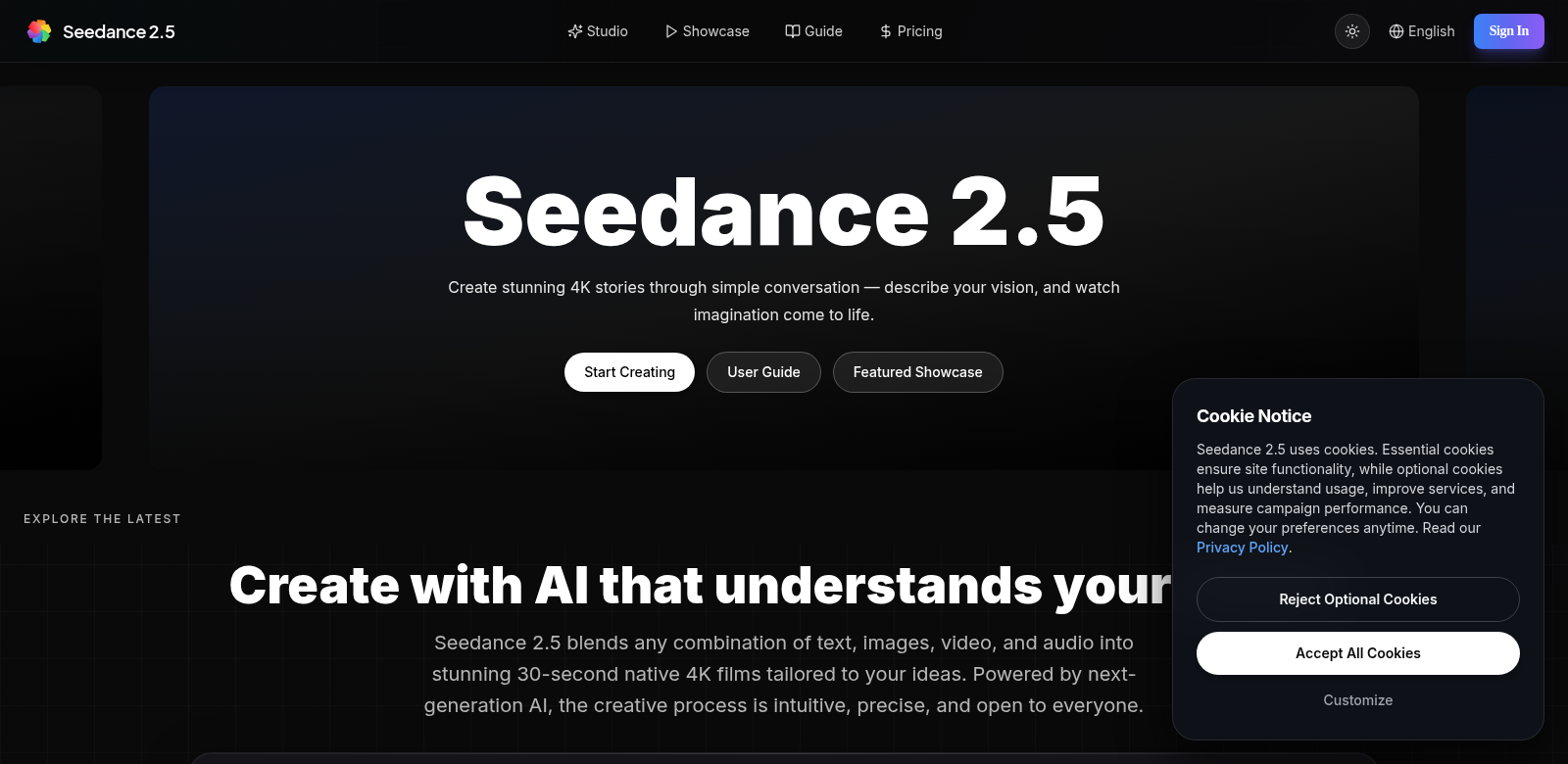
Seedance 2.5 helps you create stunning 30-second 4K cinematic videos with perfectly synced audio. It uses AI to let you pick from over 50 different visual and audio styles, so you get a rich, unique look every time. The best part? It's all online – no downloads, no fuss. This tool isn't just for filmmakers; it's for anyone who needs top-tier video, from educators to marketers to content creators.
Who Uses Seedance 2.5?
Seedance works for all sorts of people and businesses. Here's a look at who finds it most useful and why:
-
Content Creators: If you want to make engaging videos, Seedance 2.5 is a game-changer. Its easy interface and powerful features help you turn ideas into high-quality videos, fast.
-
Marketing Professionals: Marketing teams use Seedance to make ads and promo videos that really hit home. When audio and visuals line up perfectly, your message lands better and grabs your audience's attention.
-
Educators: Teachers and trainers can build compelling instructional videos with Seedance. It lets you add all sorts of media to make learning more dynamic.
-
Social Media Managers: Video rules social media. Managers can use Seedance to quickly make captivating clips that connect with their audience. It's fast enough to jump on trending topics.
-
Independent Filmmakers: Aspiring filmmakers get access to professional-grade video production without needing a huge budget. Seedance lets them play with cinematic techniques and bring their vision to life.
Seedance 2.5: Solving Your Video Problems
Making videos today comes with its own set of headaches. Seedance 2.5 cuts through those.
The Problems We See
- Video takes too long: Traditional video production eats up hours, killing creativity and blowing deadlines.
- Too complicated: Many video editing tools are a nightmare to learn, especially for beginners.
- Not enough resources: Independent creators often can't get their hands on the high-quality audio and video they need for a professional look.
- Teamwork is messy: Collaborating on video projects can lead to miscommunication and delays.
- Quality jumps around: Keeping video quality consistent across different projects is a constant struggle.
How Seedance 2.5 Helps
Seedance 2.5 fixes these issues with an interface that makes video creation simple. You can pick from a huge library of multimedia styles, so you don't need to spend a ton on resources or become a technical wizard. Its AI perfectly syncs audio and video, saving you time while keeping quality high. Plus, since it's online, teams can work together in real-time, making projects run smoother.
Real-World Uses
Seedance 2.5 is flexible enough for many different projects:
- Promotional Material: Businesses can create eye-catching ads for all their digital platforms.
- Educational Projects: Educators can put together lectures and tutorials for students.
- Social Media Clips: Social media managers can quickly make videos to follow trends and engage their audience.
Top Features of Seedance 2.5
Seedance 2.5 packs a punch with features designed to make your videos look great and your life easier.
- AI-Powered Video Generation: Our advanced AI takes your input and weaves it into a complete visual story.
- Huge Style Library: Choose from over 50 different visual and audio styles to match your creative vision.
- Easy-to-Use Interface: Even if you're new to video, Seedance is simple to navigate. Technical hurdles won't stop your creativity.
- Real-Time Collaboration: Teams can work on projects together, at the same time, making communication and workflow seamless.
- Built-in Quality: Features ensure your videos always meet high professional standards, ready for any use.
Frequently Asked Questions
-
What kinds of videos can I make with Seedance 2.5? You can create all sorts of videos, like promotional ads, educational tutorials, and social media content. They'll all look professional.
-
Is Seedance 2.5 good for beginners? Absolutely. Seedance is built to be user-friendly, so anyone can use it, from total beginners to seasoned pros.
-
Do I need to download software to use Seedance? Nope. Seedance 2.5 runs entirely online. You can start making videos right away, no downloads needed, keeping your computer clean.
-
How does Seedance guarantee high-quality video? The platform uses AI to perfectly sync audio and video, making sure the final product looks and sounds like it was made by industry professionals.
-
Can my team collaborate on Seedance? Yes, Seedance has real-time collaboration tools. Your team members can work together on projects smoothly, no matter where they are.