
Turn Your Ideas into 3D with Trify3D
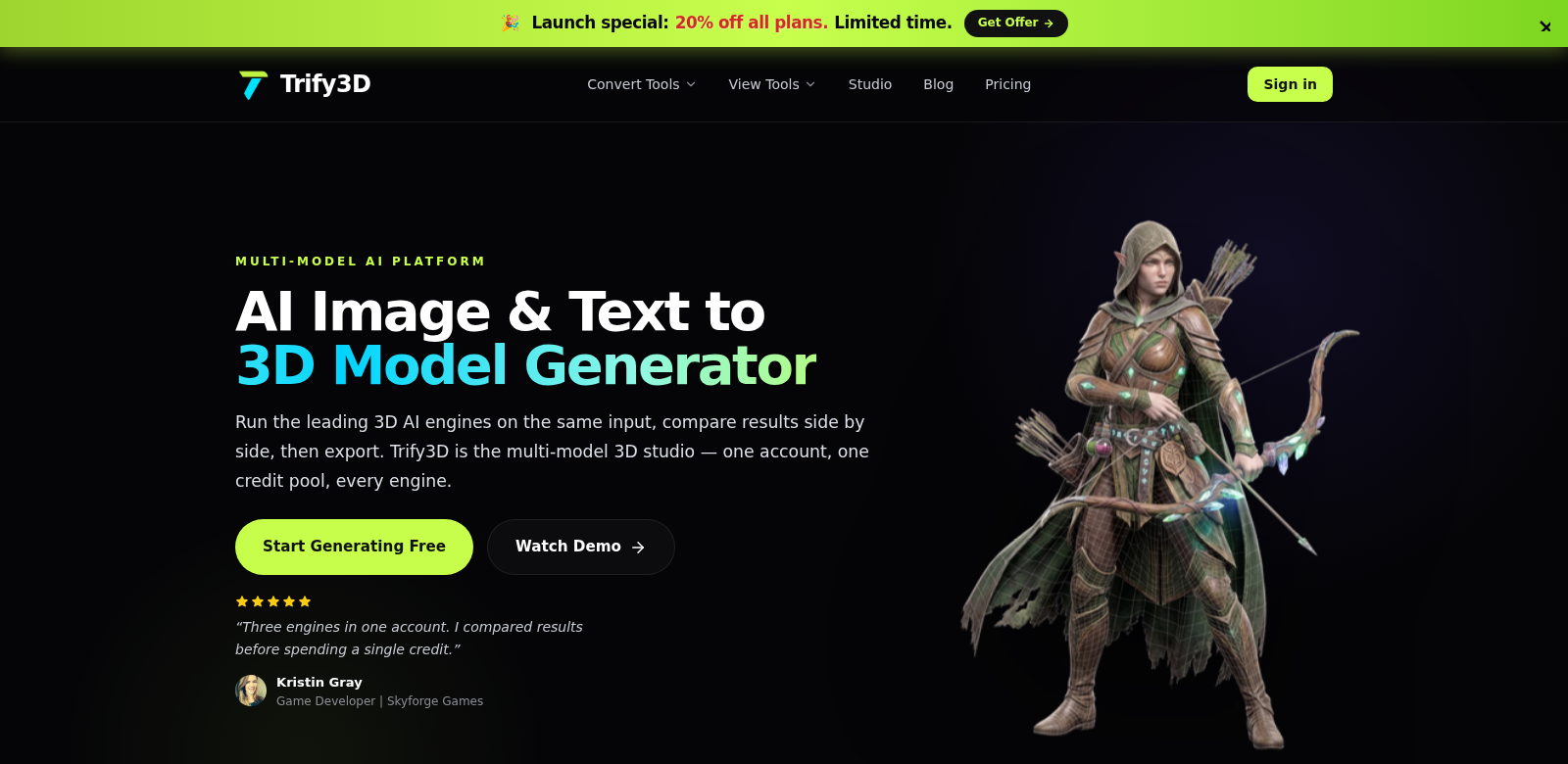
Trify3D is a service that lets you turn images and text into high-quality 3D models. It uses powerful engines like Tripo3D, Meshy, and Rodin, making modeling smooth and fast. You can export models in formats like GLB, glTF, OBJ, and STL, which means they'll work almost anywhere. If you want to add stunning 3D visuals to your projects, Trify3D is a crucial tool for creators.
Who Uses Trify3D?
All sorts of people use Trify3D. Each group has its own needs and hopes for 3D modeling.
-
Visual Artists: Artists use Trify3D to turn their sketches into 3D models for exhibitions or digital art. Turning 2D art into 3D opens up new creative possibilities.
-
Game Developers: Game developers use Trify3D to quickly build prototypes for characters and environments. This lets them iterate fast, see how gameplay works before putting it all together, and speed up development.
-
Educators and Students: In schools, Trify3D is a great way to teach spatial awareness and design. Students can make models to better grasp 3D structures in fields like architecture and engineering.
-
Freelancers and Independent Creators: Freelancers use Trify3D to offer custom 3D designs to clients. This makes their services more attractive and helps them stand out in a crowded market.
-
Manufacturers and Designers: In manufacturing, designers use Trify3D to see products before they're made. It cuts down on mistakes and gets everyone on the same page, leading to better projects.
Problems Trify3D Solves
Trify3D tackles common headaches in 3D modeling.
Problems We Noticed
-
Manual Modeling is Slow: Manual 3D modeling takes ages and is often too complex. This can kill creativity, especially if you're not a technical wizard.
-
Limited Export Options: Lots of software doesn't let you export in many formats, making it tough to use your models across different platforms.
-
Slow Iteration: It's often hard to iterate quickly, which slows down projects, especially in fast-moving fields like game development.
-
Hard for Beginners: Many people interested in 3D design struggle with complex software that needs a lot of expertise.
How Trify3D Helps
Trify3D solves these problems head-on, making 3D modeling accessible without cutting corners on quality. It brings together smart engines like Tripo3D, Meshy, and Rodin, letting you create complex 3D models from just an image or text. This dramatically cuts down the time and technical know-how needed to make great models.
Its export options cover all sorts of needs, so your models can go anywhere – games, schools, manufacturing, you name it. Plus, Trify3D's easy-to-use interface means even beginners can make and tweak 3D models, opening up 3D design to way more people.
Real-World Uses
All sorts of industries and users can tap into Trify3D's power, leading to some pretty cool results. Say a freelance graphic designer wants to turn a client's artwork into interactive 3D assets for a mobile app – Trify3D can do that. Teachers can use it in class to make engaging visual aids. Manufacturers use the models for prototyping and testing, making sure the final products are exactly what they envisioned.
Top Features of Trify3D
Trify3D mixes tech with creativity, offering features that really make it stand out in 3D modeling.
-
Image and Text Conversion: Easily turn simple images or text into complex 3D shapes, all thanks to powerful AI.
-
Multiple Export Formats: Export in many formats, making it easy to fit into any workflow and meet all kinds of project needs.
-
User-Friendly Interface: It's super easy to use, built for both pros and beginners, so everyone can get into 3D modeling.
-
Real-Time Collaboration Tools: Work together in real-time, sharing models and feedback instantly – a must-have for team projects and classrooms.
-
Solid Support System: Solid support and resources mean you can get the most out of the platform, making learning a breeze.
Frequently Asked Questions
-
What file types can I export my models as? Trify3D supports formats like GLB, glTF, OBJ, and STL, so they'll work with all sorts of platforms and software.
-
Can people who aren't tech-savvy use Trify3D? Totally! It's built to be user-friendly, letting anyone, even without a tech background, turn their ideas into 3D models.
-
How does Trify3D make sure the models are high quality? Trify3D uses smart algorithms and rendering tech to make sure your models aren't just accurate, but look great too.
-
Does Trify3D cost money? You can start with a free version for basic stuff. For premium features and more capacity, you'll need a subscription.
-
Which industries get the most out of Trify3D? Gaming, manufacturing, education, and independent design all get a big boost, as they can make high-quality models fast and well.