Turn Text and Images into Great Videos with Wan 3.0
Video is everywhere these days – for talking, selling, and just having fun. But making good videos fast, especially from just text and pictures, is a huge challenge for creators and businesses. Wan 3.0, an AI video generator, tackles this head-on. It lets you transform text and images into polished videos, making the whole process surprisingly easy. If you're into video production, this tool is definitely worth a look.
Who Uses Wan 3.0?
Wan 3.0 helps all sorts of people and businesses. Seeing who uses it can give you a good idea of how it solves different problems.
-
Content Creators: Vloggers, educators, and marketers use Wan 3.0 to quickly make videos that grab attention. It helps them turn scripts and images into compelling stories, which means their audience stays more engaged.
-
Businesses: Companies wanting to get noticed online use Wan 3.0 to make ads and promo videos that actually connect with customers. They can take product descriptions and images and quickly turn them into videos that build their brand and boost sales.
-
Educators: As more learning moves online, teachers use Wan 3.0 to turn their lectures and visual aids into instructional videos. This makes lessons more engaging and helps students learn in ways that work best for them.
-
Social Media Managers: On social media, where everyone's fighting for attention with static posts, managers use Wan 3.0 to make their content pop. Turning everyday stuff into eye-catching videos helps them stay ahead in their campaigns.
-
Event Planners: Event planners use Wan 3.0 to make promo videos for everything from weddings to corporate gatherings. They can take event photos and text and turn them into engaging invitations that really get people excited.
What Problems Does Wan 3.0 Solve?
The world of digital content moves fast, and making videos can be a real headache. Wan 3.0 steps in to make it easier and better.
Common Video Creation Headaches
-
Time Consumption: Making videos the old way takes forever – scripting, filming, editing. It's enough to make most people give up before they even start.
-
Lack of Video Production Skills: Lots of people want to make videos but don't have the technical know-how. This means their ideas often don't get seen by as many people as they could.
-
Resource Constraints: Small businesses and individual creators usually can't afford fancy equipment or software, which makes high-quality video tough to produce.
-
Customization Challenges: Making videos that truly match a brand's look and feel can be tricky and eat up a lot of time, especially without a big budget.
How Wan 3.0 Helps
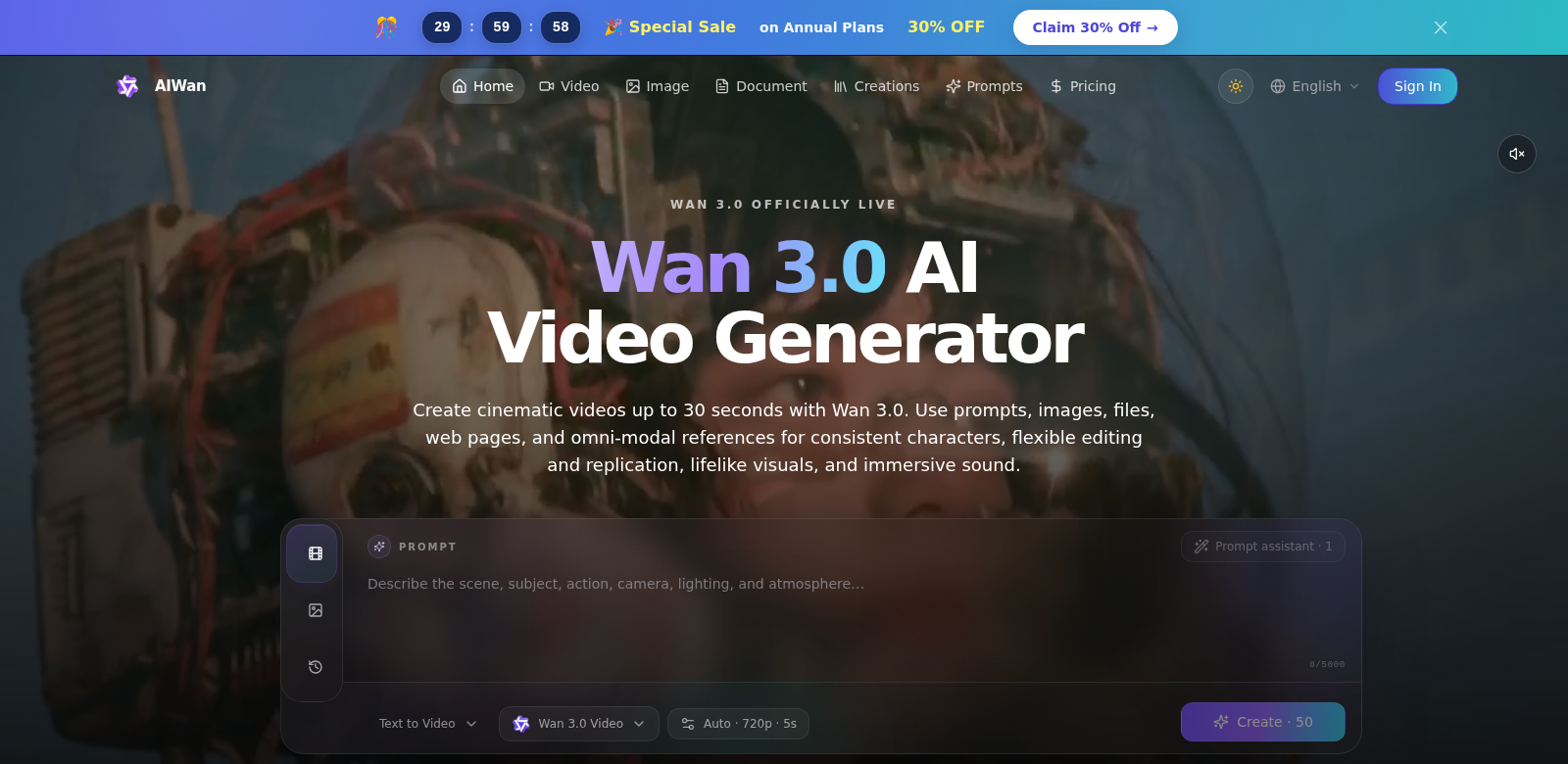
Wan 3.0 solves these issues with smart AI that makes video production way simpler. Just feed it your text and images, and the platform spits out videos you can tweak to your heart's content.
For example, you can refine your prompts using Qwen 3.8 Max to really nail the creative vision you're going for. Plus, you can see credit costs upfront and easily manage your results. Wan 3.0 gives you total control over your video content, making the whole process smooth and, dare I say, fun.
How People Use Wan 3.0
Wan 3.0 is super flexible and powerful, showing up in all sorts of situations:
- A marketing team can quickly whip up a video ad for a new product, mixing images and text to show off what makes it special.
- A teacher can make a whole series of instructional videos from their course materials, making lessons easier to get and more interesting for students. This really helps them remember and understand the content.
- An influencer can create themed videos for big moments, like product launches or celebrations. They can add text captions to their visuals, giving more context and building a stronger bond with their followers.
What Wan 3.0 Can Do
The Wan 3.0 AI Video Generator comes packed with some impressive capabilities:
- AI Video Generation. You don't need any technical skills. Just give it text and images, and it makes the video.
- Refine Prompts. Use Qwen 3.8 Max to fine-tune your video ideas, making sure the final product is exactly what you want and really grabs attention.
- Manage Costs. See how much credits your video will cost as you make it, so you can keep an eye on your budget.
- Easy to Use. The design is super intuitive, so anyone can make videos, no matter their skill level.
- Great-Looking Videos. You get professional-grade videos that look sharp and can be used for anything.
Questions About Wan 3.0
-
How does Wan 3.0 make video production faster? It speeds things up by letting you feed it text and images, then it automatically generates the video. This cuts down a ton on the time and effort you'd normally spend.
-
Can I customize videos I make with Wan 3.0? Yes, Wan 3.0 has tools to customize your videos. You can adjust the content to match your brand's look or your own personal style.
-
What kind of media can I use with Wan 3.0? You can use text files, images, and even existing video clips if you're working on something more complex.
-
Do I need technical skills to use Wan 3.0? Nope, not at all. Wan 3.0 is built for everyone, from total beginners to seasoned pros.
-
Can I use Wan 3.0 for teaching? Definitely! Teachers can use Wan 3.0 to make their lessons better, turning notes and visuals into engaging instructional videos.