Sam 3D 2.0: Turn Images and Text into 3D Models
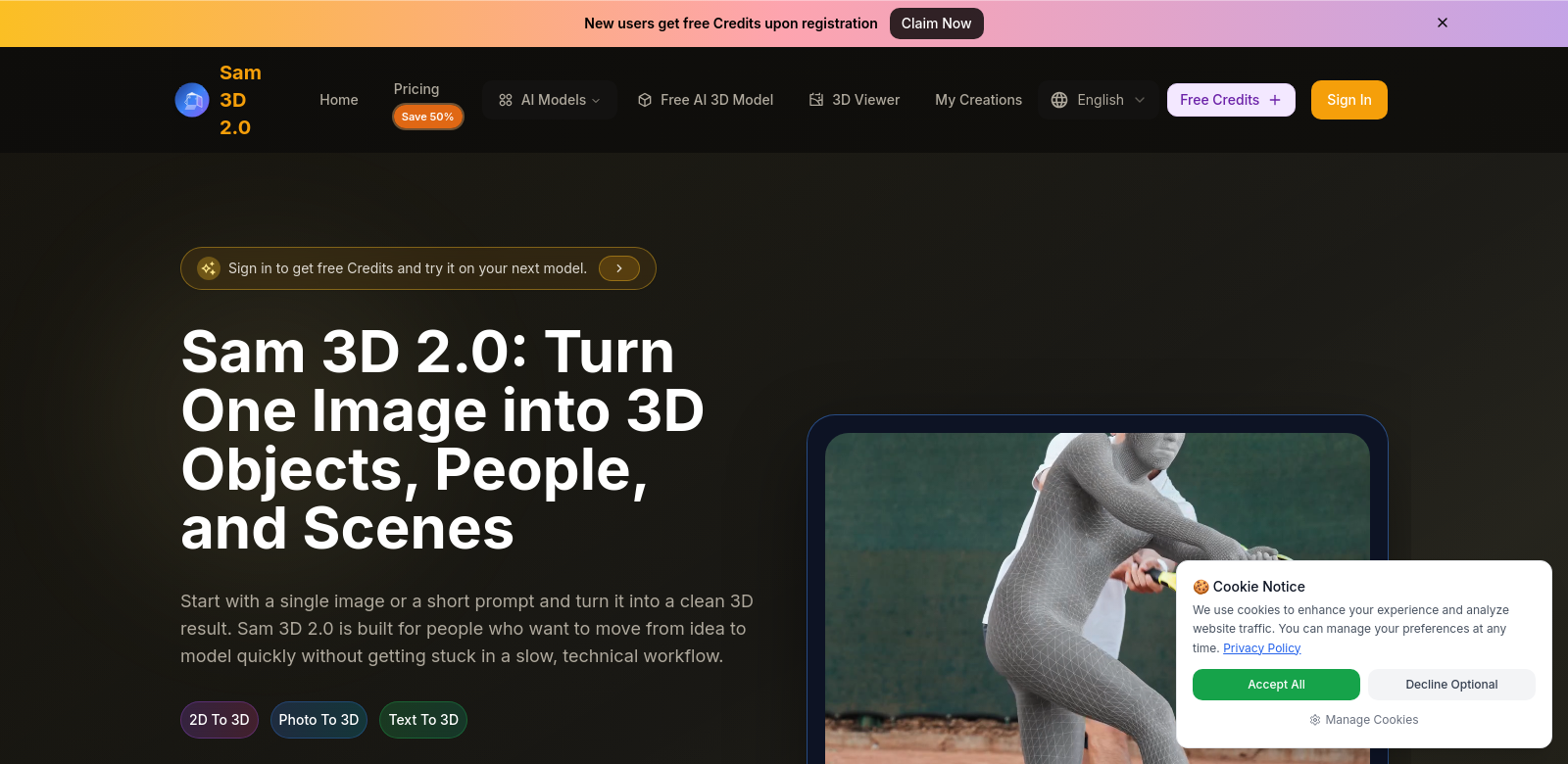
Sam 3D 2.0 lets you turn images or text into working 3D models, fast. It's a game-changer for 3D modeling, making it easy to create products, characters, and entire scenes. Whether you're building a game or visualizing a new product, Sam 3D 2.0 fits right in. You can preview models in your browser and export them in many formats, which really speeds up your work. It's powerful, yet simple to use – a must-have for anyone creating in 3D today. If you want to push your creative projects further, Sam 3D 2.0 is the tool you need.
Who Uses Sam 3D 2.0?
All sorts of people, from game developers to educators, find Sam 3D 2.0 incredibly useful for their 3D modeling needs. It's worth looking at who benefits most and why.
-
Game Developers: Game developers use Sam 3D 2.0 to quickly build detailed characters and environments. This frees them up to focus on what really matters: gameplay.
-
E-commerce Platforms: Online stores can make lifelike product models for their virtual catalogs. This grabs customer attention and cuts down on the need for expensive physical prototypes.
-
Educational Institutions: Teachers and students use Sam 3D 2.0 to build interactive visual aids. This helps explain complex ideas that are much clearer in 3D.
-
Artists and Designers: Artists use Sam 3D 2.0 to quickly prototype ideas. They can see their designs in 3D before settling on a final version.
-
Architects: Architects use Sam 3D 2.0 to create 3D models of their projects. This gives clients a much better idea of the design and makes it easier to talk about the artistic details.
Problems Sam 3D 2.0 Solves
The world of digital design moves fast, and 3D modeling often struggles to keep up. Sam 3D 2.0 tackles these common problems directly.
Common 3D Modeling Problems
-
3D Modeling Takes Too Long: Traditional 3D modeling eats up hours, often delaying projects.
-
Hard for Beginners: Most 3D modeling software is complicated and scary for anyone new to it.
-
Lack of Tools/Resources: Artists and developers often don't have the tools or resources they need to make good 3D models.
-
Teamwork Headaches: Working together on 3D projects is tough when different software won't play nice.
-
Prototyping is Slow and Expensive: Making prototypes the old way costs too much time and money, especially when you need to move fast.
How Sam 3D 2.0 Helps
Sam 3D 2.0 solves these issues. It quickly turns images or text into solid 3D models, cutting down design time dramatically. The interface is simple, so you don't have to spend ages learning complex software; anyone can pick it up.
Plus, you can export models in many formats, which makes working with a team much easier. Everyone can use the same files, keeping projects consistent even with many people contributing. By making modeling and prototyping smoother, Sam 3D 2.0 lets creators focus on new ideas instead of fighting with software.
A Real-World Example
Imagine a game studio building characters for a new fantasy game. With Sam 3D 2.0, designers just upload character sketches or type out descriptions. Moments later, they have 3D models that match their original ideas, ready for further tweaks. This shows how fast you can iterate, bringing creative concepts to life far quicker than old methods ever could.
Top Features of Sam 3D 2.0
Every feature in Sam 3D 2.0 is here to make your modeling better, spark creativity, and boost how much you get done.
-
Image-to-3D Conversion: Turn any image directly into a working 3D model. This makes the whole modeling process much simpler.
-
Text-Prompt Modeling: Describe what you want in text, and Sam 3D 2.0 builds the 3D model. No need to be a design expert to create something new.
-
Browser Preview: See your models right in your browser, in real-time. Tweak them on the spot for quick, effective changes.
-
Flexible Export Options: Export your models in many formats. This means they'll work with all your other software and platforms.
-
Easy-to-Use Interface: Sam 3D 2.0 is designed to be simple. Both beginners and pros can jump right in, making it easy for anyone to start.
Frequently Asked Questions
-
What types of files can I export from Sam 3D 2.0? You can export models in many formats, like STL, OBJ, and FBX. This covers most applications and software you might use.
-
Is there a learning curve for new users? Sam 3D 2.0 is built to be easy to use. You can start modeling almost immediately after signing up, and we have plenty of tutorials to help you along.
-
Can I collaborate with others on my 3D models? Yes, working with others is simple. Our flexible export options mean multiple people can work on the same models, even if they use different software.
-
What industries benefit from using Sam 3D 2.0? It's great for gaming, education, e-commerce, and design. It offers specific solutions for all sorts of creative projects.
-
Are there any resources for improving my 3D modeling skills? Absolutely. Sam 3D 2.0 comes with lots of resources: tutorials, community forums, and customer support. You'll always have ways to get better.